Are you sure?
Set completion date and time:
Task Name
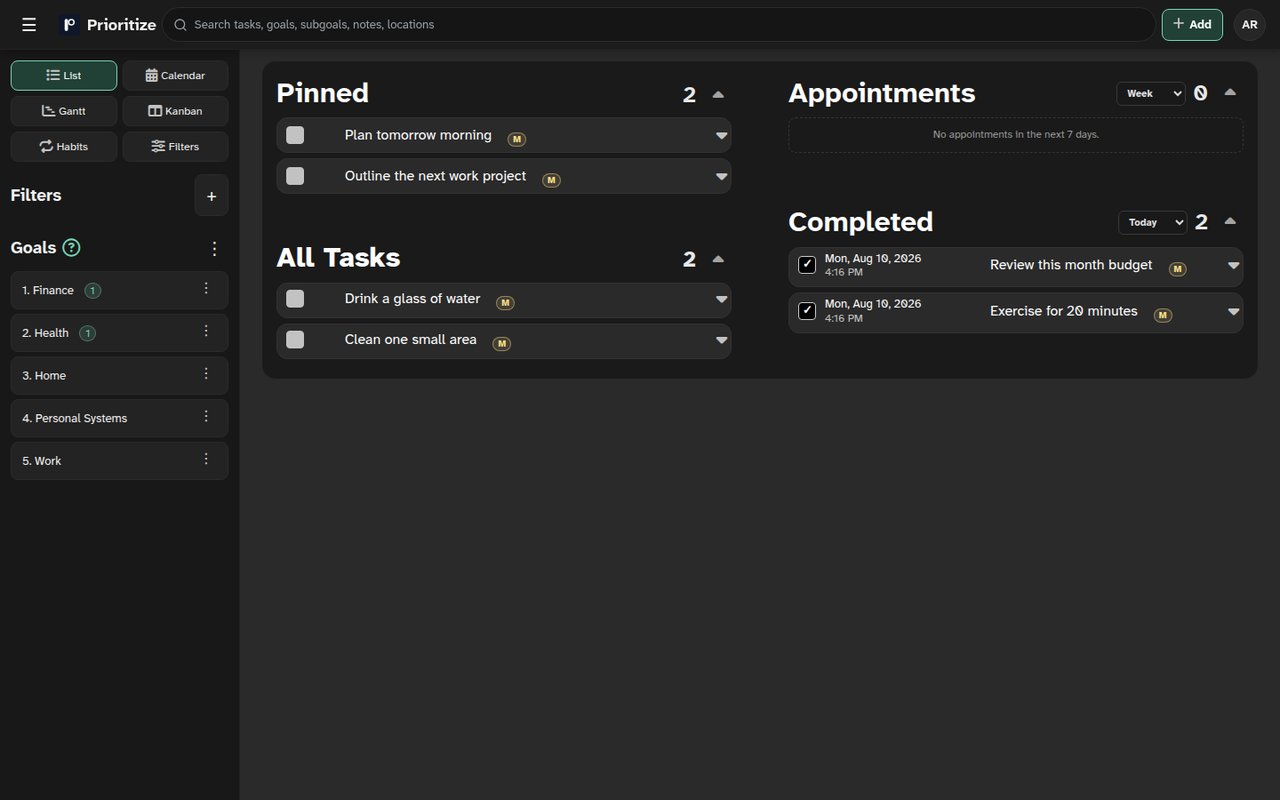
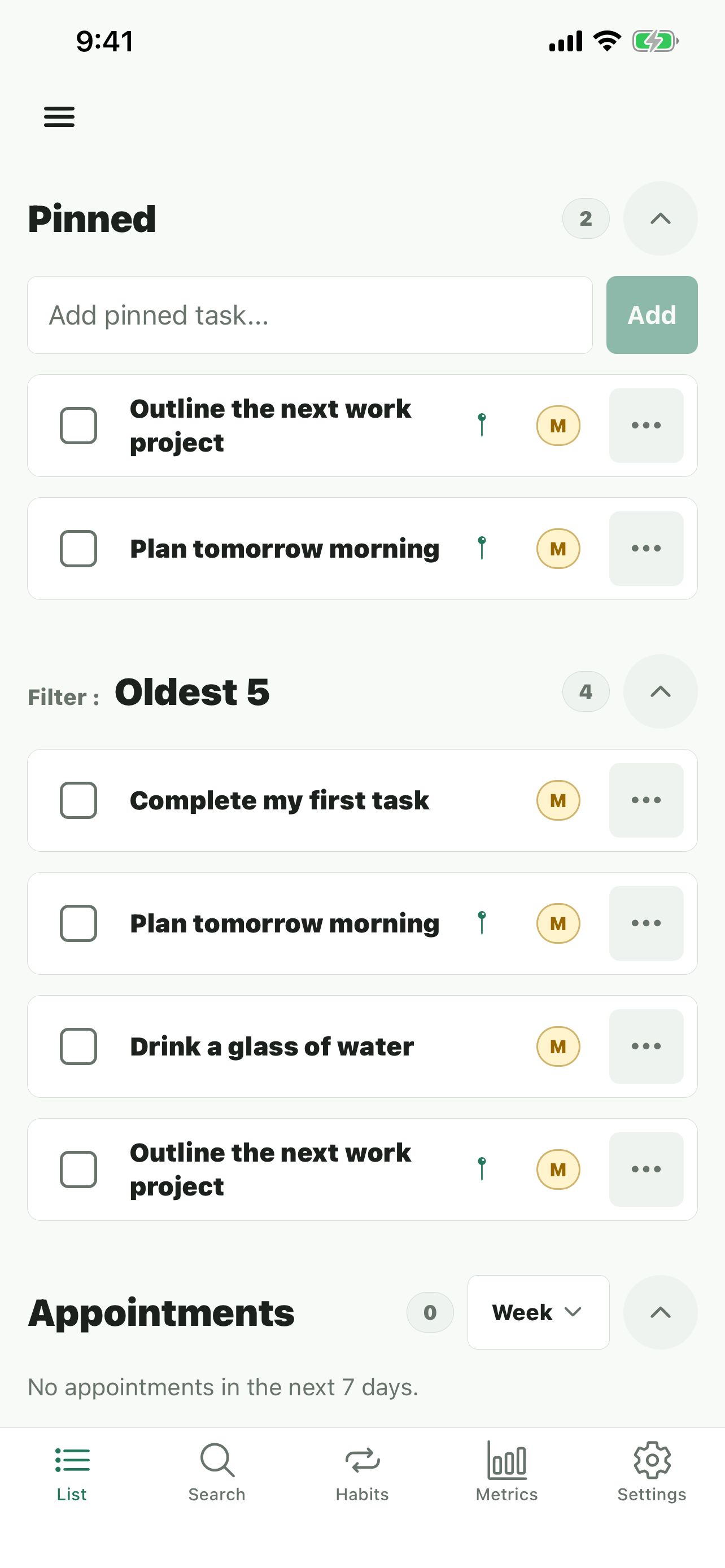
Organize your day. Build habits. Reach goals.
Powerful task management with blockers and unlocks, recurring schedules, goals, and a focused daily workflow.
Premium adds deeper planning tools as your workflow grows.
From the App Store
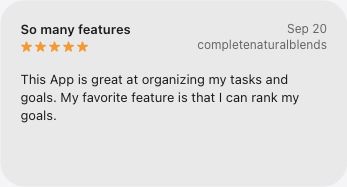
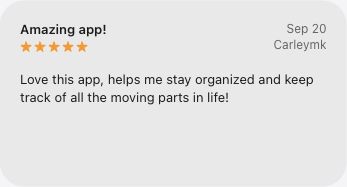
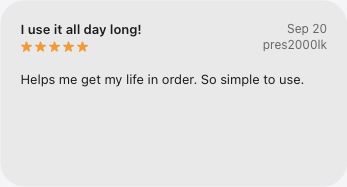
In their own words.
A few kind words from people getting organized with Prioritize.
Everything you need to get things done
Blockers & unlocks
Premium: reveal a task only after the work it is waiting on has been completed.
Recurring
Schedule tasks to repeat daily, weekly, or custom patterns.
Goals
Group tasks by goals and track progress over time.
Basic Filtering
Filter by time, priority, tags, and more.
Pinned Tasks
Keep critical tasks at the top to stay laser-focused.
Calendar
Plan your week with a built-in calendar view.
Metrics
Review completion rates and streaks to build momentum.
Advanced Filtering
Premium: filter the number of tasks per day or goal, and save dynamic views.
Timers
Countdown and stopwatch modes help you focus and track time.
Snooze Buttons
Postpone tasks with one click: +1h, +1d, +1w, +1m.
Preferred Times
Schedule by dayparts to match your energy: morning, afternoon, evening.
Smart Priority
Automatic priority signals to surface what matters most.
Simple, honest pricing
Premium
$3/month
or $20/year save $16 (44%)
- Everything in Free
- Task blockers & blocker filters
- Advanced filtering options
- Saved dynamic views
- Priority support
Upgrade after signing in to keep your tasks and billing together.
Create your account or sign in
Sign up
Create an account to start tracking tasks and goals.
By creating an account, you agree to the Terms of Service and Privacy Policy.
Password must contain the following:
A lowercase letter
A capital (uppercase) letter
A number
Minimum 8 characters
Pinned
All Tasks
No tasks here yet
Add your first task to start organizing your day. You can set goals, priorities, and due dates as you go.
Completed
This month
Showing Appointments and Completed TasksNo goal selected
All Tasks
Choose a goal
Daily or more frequent recurring tasks
Appointment Countdowns
No tasks match
Try adjusting filters, or add a task to start filling this view.
Task details
Tip: Keep tasks specific and choose something that takes less than an hour.
Metrics
Only active tasks are included
—
Help
Prioritize organizes work into goals, subgoals, and tasks. Use the menu on the left to switch views, open filters, and manage your day.
Goals, subgoals, and tasks
How the hierarchy fits together.
- Goals are the big areas you care about, such as Health or Work. They appear in the left menu and group everything underneath them.
- Subgoals break a goal into smaller tracks. On the home list view, tasks are grouped under their subgoal heading.
- Tasks are the actual actions. Each task belongs to one goal and one subgoal, and can have dates, priority, notes, recurrence, and blockers.
- Use Add task to create work, or the quick-add row under a subgoal heading to add directly into that subgoal.
Ranking goals
Control which goals appear first in the menu.
- Open the ⋯ menu in the goals header and choose Toggle sort order to switch between Rank and Alphabetical.
- Open a goal's ⋯ menu and choose Rank higher or Rank lower. Your order is saved automatically.
- Lower-ranked goals (near the top) receive more weight when tasks are sorted by Prioritize in the queried task list.
Home task lists
What each list is for.
- Pinned keeps important tasks at the top regardless of score. Use the quick-add field to pin something fast.
- Tasks shows your active work for the selected goal, grouped by subgoal.
- Appointments and Completed today separate time-based and finished work.
- Click a task row to expand details, complete it, start a timer, postpone it, or edit it inline.
Creating filters
Build custom queried lists from the menu.
- Open a saved filter from the left menu, or choose Queried to work with the filter editor.
- Use Edit filters to open the filter drawer. Adjust basics such as goal, subgoal, importance, dates, recurring state, and text search.
- Scheduling and advanced sections add preferred day/time matching and blocker filters. Premium unlocks blocker filters.
- Change the draft, then press Apply to refresh the task table. Use Save as filter to keep the setup for later.
Sorting with Prioritize
How Prioritize combines your task signals.
- In the filter editor, set Sort by to Prioritize to rank tasks by a live priority score instead of a single field.
- The score combines importance, active-goal rank and attention, postponed date, pinned and status state, and preferred day or time. Active-goal rank, a preferred-day match, and a preferred-time match can each contribute up to 100 points.
- Recommended order is the default and shows higher scores first. Choose Reverse order to show lower scores first.
- Other sort modes are available when you want a specific order: Goal, Importance, Date Due, Date Completed, Date Created, or Randomize.
Blockers, unlocks, and planning views
Extra tools beyond the basic list.
- In the task editor, use Blockers & unlocks (Premium) to hide a task until its blocker is completed. Recurring blockers can unlock after the series ends, after the current occurrence, or for the rest of today until midnight.
- Switch the home view to Calendar, Gantt, Kanban, Habits, or Countdowns from the menu for different planning angles.
- Visit Metrics from your account menu to review completions and goal activity over time.
Settings
Account Info
Upgrade / Plan
Free
$0
- Unlimited tasks
- Recurring schedules
- Goals, pinned tasks
- Basic filters
Premium
$3/month
or $20/year save $16 (44%)
- Everything in Free
- Task blockers & blocker filters
- Advanced filtering options
- Saved dynamic views
- Priority support
Cancel anytime. Billing is handled securely by Stripe.
Theme
Choose how the app looks on this device.
Density
Control how much space task rows use.
Guided Tour
Manage the walkthrough that introduces the main workspace.
Email Reports
Choose which task summaries arrive by email.